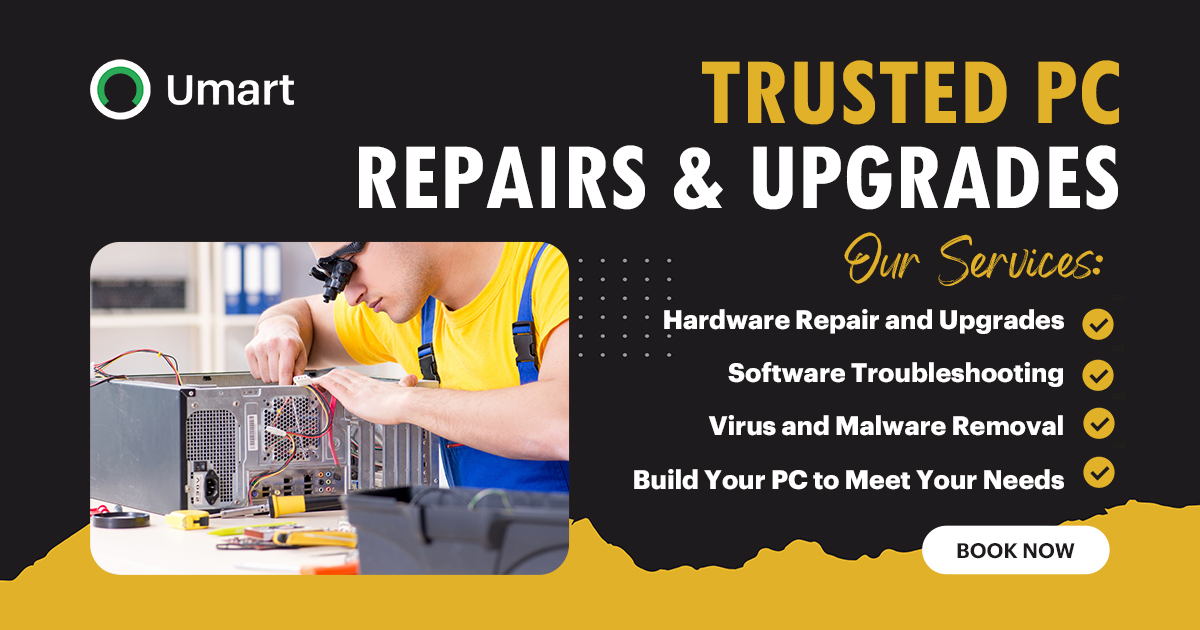
Umart is now offering a new PC Repairs and Upgrades service, designed to boost your computer's performance affordably. Customers who book online will receive a discount rate of $60 for their Hardware Diagnosis or Health Check Report, rather than the stadard $80 rate for no booking/walk-in customers. Our service covers a range of common PC issues:
• Booting problems or blue screen errors • Hard drive failures • Power supply issues • Slow computer performance • Unusual or loud noises • Viruses • Visual glitches and errors
For any of these problems, we are ready to repair and upgrade your PC with new components as needed. Our team of technicians is both friendly and patient, ensuring efficient problem resolution.
Please note: We do not offer laptop repairs.
For more details and to book your service at $60 (online) or $80 (walk-in), please visit Umart's website.
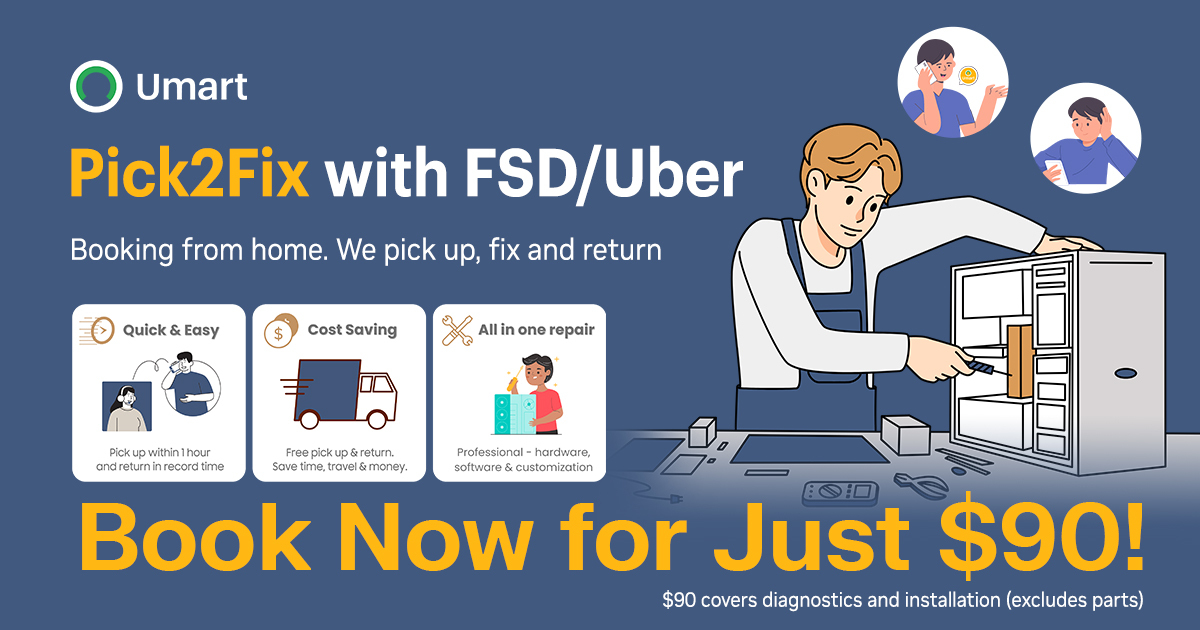
Umart Pick2Fix: Effortless PC Repairs at Your Doorstep
Say goodbye to the hassle of traditional PC repair! With Umart Pick2Fix, we offer a seamless service where we pick up your computer, repair it, and return it back to you—quickly and conveniently.
Why Choose Umart Pick2Fix? * Quick & Easy: Pickup within 1 hour and return in record time. * Cost-Saving: Free pickup and delivery—save time, travel, and expenses. * Comprehensive Services: Professional repairs, hardware upgrades, and software troubleshooting.
Our Commitment We value your time and prioritize quick turnaround times. With a transparent process, we ensure your PC is repaired and returned to your doorstep without hidden fees or stress. Enjoy top-quality service without ever leaving your home or office.
Important Details * Pricing: $90 includes diagnostics and installation but excludes replacement parts. * Service Scope: Laptop repairs are not currently offered. * Packaging: Customers must securely wrap and pack their PCs before booking. * Uber Driver: An Uber driver will typically arrive within 30 minutes of booking (timing is approximate).
With Umart Pick2Fix, professional and convenient PC repair is just a booking away. Relax while we handle everything—making your life easier, one repair at a time.
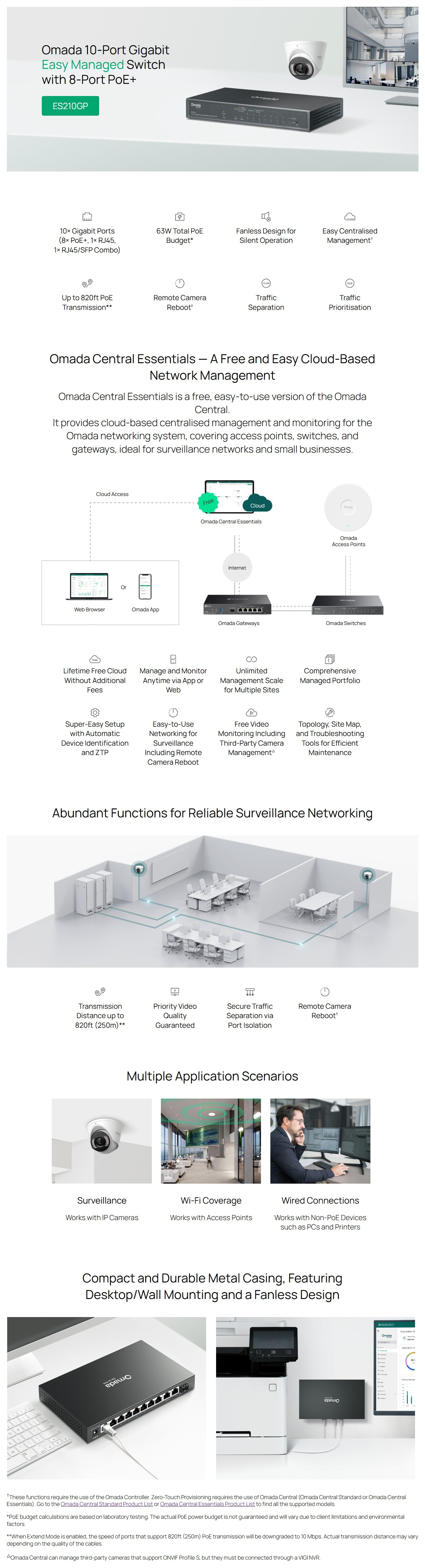
• Standard: 802.3af PoE and 802.3at PoE+ compliant
• PoE Ports: 8 ports
• PoE Budget: 63W available for all PoE+ ports, 30W max per port
• Remote Camera Reboot*
• Up to 820ft (250m) PoE transmission distance**
* These functions require the use of the Omada Controller. Zero-Touch Provisioning requires the use of Omada Central (Omada Central Standard or Omada Central Essentials). Go to the Omada Central Standard Product List or Omada Central Essentials Product List to find all the supported models.
** When Extend Mode is enabled, the speed of ports that support 820ft (250m) PoE transmission will be downgraded to 10 Mbps. Actual transmission distance may vary depending on the quality of the cables.
Dimensions ( W x D x H )
8.2 × 4.9 × 1.0 in (209 × 126 × 26 mm)
Surge Protection
±6kV
PERFORMANCE
Switching Capacity
20 Gbps
Packet Forwarding Rate
14.88 Mpps
MAC Address Table
8K
Packet Buffer Memory
4 Mbit
Jumbo Frame
15 KB
SOFTWARE FEATURES
Quality of Service
• Port-based/802.1p/DSCP QoS
• 8 Priority Queues
• Priority Schedule Mode
- WRR (Weighted Round Robin)
• Queue Weight Config
• Bandwidth Control
- Port-Based Rating Limit
• Storm Control
- Multiple Control Modes (kbps/pps)
- Broadcast/Multicast/Unknown-Unicast Control*
* Omada Central can manage third-party cameras that support ONVIF Profile S, but they must be connected through a VIGI NVR.
L2 Features
• Static Link Aggregation
• Loop Prevention / Loopback Detection
• Flow Control
- 802.3x Flow Control
• Mirroring
- Port Mirroring
- One-to-One
- Many-to-One
- Ingress/Egress/Both
• Port Statistics
- Port Mirror Status
- Traffic Statistics
• 802.1ab LLDP
L2 Multicast
• IGMP Snooping
- IGMP v1/v2/v3 Snooping
- Fast Leave
VLAN
• MTU VLAN
• Port-Based VLAN
• 802.1Q Tag VLAN
- Max 32 VLAN Groups
- 4K VID
Transmission Method
Store-And-Forward
MANAGEMENT FEATURES
Omada App
Yes. Requires the use of Omada Hardware Controller, Omada Cloud-Based Controller, or Omada Software Controller.
Centralized Management
• Omada Cloud-Based Controller
• Omada Hardware Controller
• Omada Software Controller
Cloud Access
Yes. Requires the use of Omada Hardware Controller, Omada Cloud-Based Controller, or Omada Software Controller.
Zero-Touch Provisioning
Yes. Requires the use of Omada Cloud-Based Controller
Management Features
• Web-based GUI
• DHCP Client
• Cable Diagnostics
• Automatic Device Discovery*
• Batch Configuration*
• Batch Firmware Upgrading*
• Unified Configuration*
* These functions require the use of the Omada Controller. Zero-Touch Provisioning requires the use of Omada Central (Omada Central Standard or Omada Central Essentials). Go to the Omada Central Standard Product List or Omada Central Essentials Product List to find all the supported models.